HA-Apps
Tuya IPC Bridge for Home Assistant
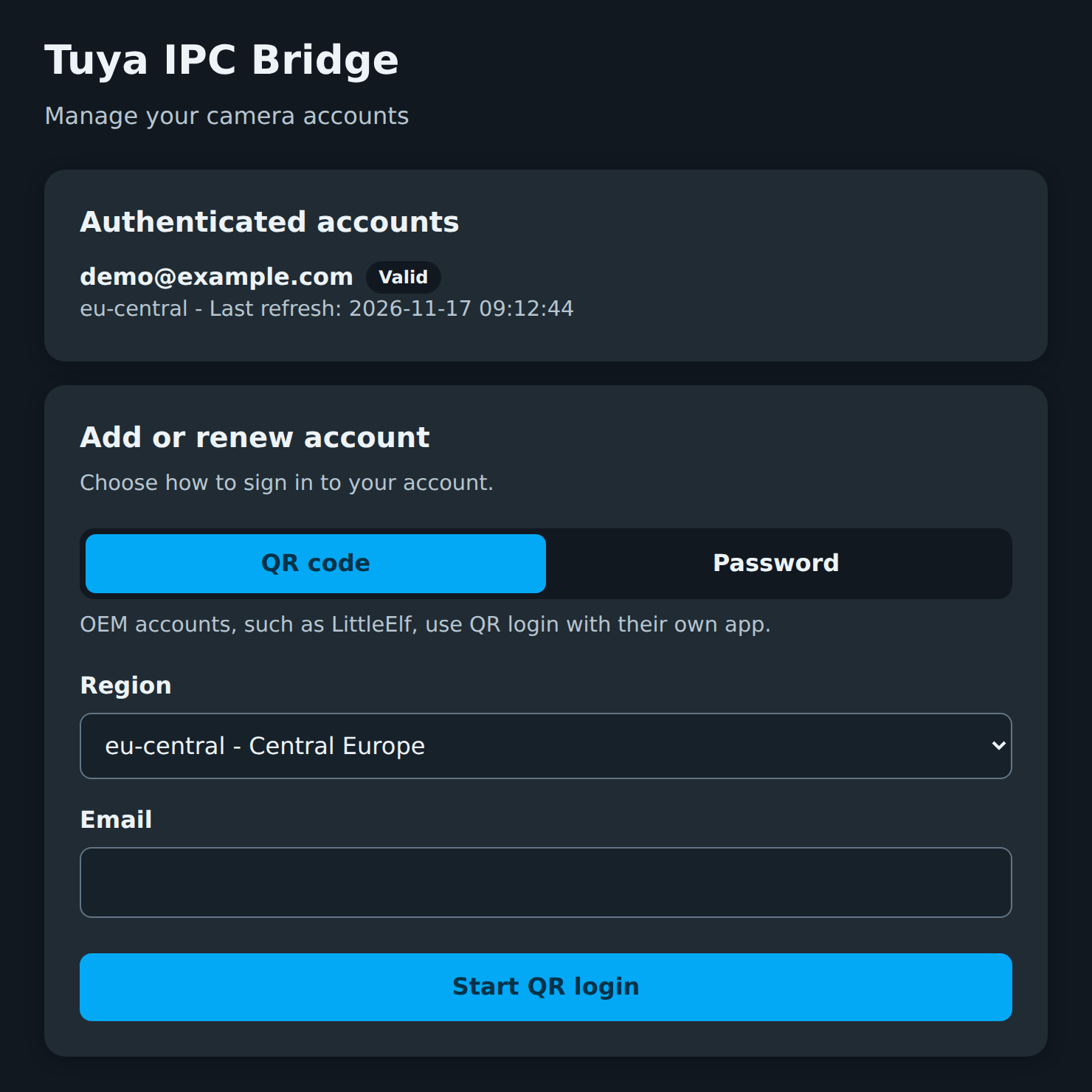
Bridges the streams of Tuya Smart / Smart Life cameras to standard RTSP, so you can add them to Home Assistant like any other RTSP camera, with the built-in generic camera integration or go2rtc.
The app wraps tuya-ipc-terminal by seydx, a Go CLI that signs in to Tuya’s cloud, discovers your cameras and does the actual bridging. It uses a prebuilt binary from the maintained fork, which adds RTSP and WebRTC fixes to the original project.
Why does this exist?
Not all “Tuya” cameras work with the native Home Assistant Tuya integration, and not all of them support ONVIF/RTSP out of the box. Many cameras lack that setting, especially devices that need another Tuya-variant app (e.g. “LittleElf”). The only option then is their browser-based IPC stream, which is what seydx/tuya-ipc-terminal uses.
Highlights
- Web UI in the Home Assistant sidebar for adding accounts: QR-code login or email/password (OEM accounts such as LittleElf: QR only).
- Finds your cameras and starts the RTSP server as soon as an account is signed in.
- Home Assistant notifications when no account is set up yet, or when a session expires and needs a new login.
Requirements
- A Tuya Smart, Smart Life or Tuya-based OEM app account with your cameras.
- Home Assistant on
amd64oraarch64.
Installation
- If not already done in HA, add this repository (
https://github.com/YaannnTech/HA-Apps) to Settings → Apps → Install Apps → ⋮ → Repositories → Add, or simply press this button:

- Install Tuya IPC Bridge.
- Start the app, then add your account in its web UI.
Settings
- RTSP Port (Configuration tab): Port the bridged RTSP server listens on. The default is
8553. - Tuya accounts are added in the app’s web UI with QR-code or password login.
See the Documentation tab for setup, camera URLs, options and troubleshooting.